

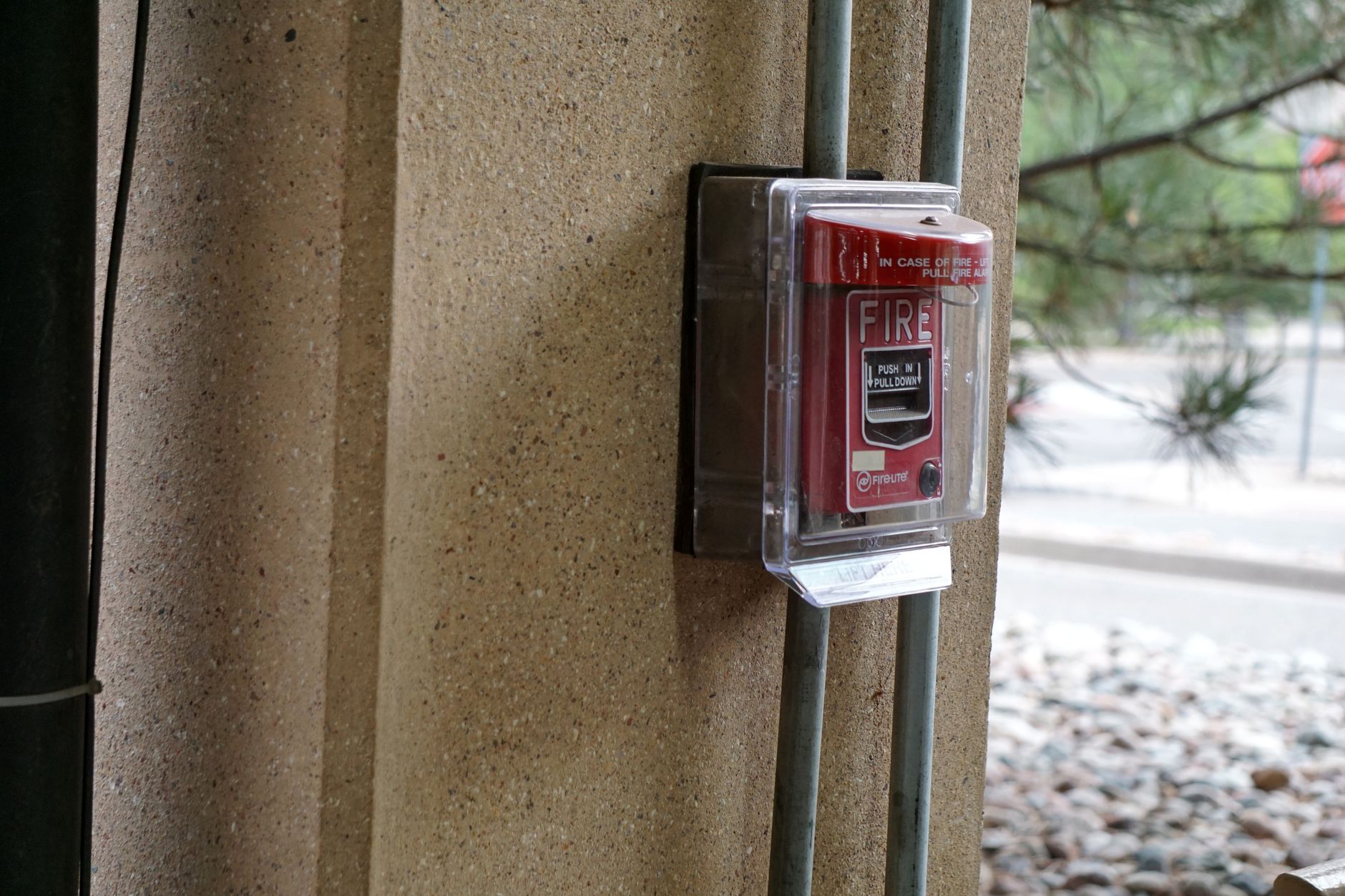
A break glass account is an emergency access account with full administrative rights, kept unused and sealed for the moment normal administrator sign-in fails, such as an identity provider outage or an MFA lockout. A sound design uses at least two cloud-only accounts, phishing-resistant FIDO2 keys stored in separate safes, an alert on every sign-in, and a written procedure after each use.
At a glance
- Purpose: Restore administrative access when every normal admin path is unavailable
- Number of accounts: At least two
- Account type: Cloud-only, on the *.onmicrosoft.com domain in Entra ID, not federated or synchronized
- Credentials: Passkey (FIDO2) security keys or certificate-based authentication, different from daily admin methods
- Conditional Access: Excluded from policies that block or restrict sign-in, through a dedicated group
- Monitoring: Critical alert on every sign-in, investigated every time
- Testing: At least every 90 days and after admin staff changes
- After use: Preserve logs, review actions, rotate the credential, record the event
What is a break glass account used for?
A break glass account is used only when no administrator can sign in with a normal account. Microsoft's emergency access guidance for Entra ID lists situations such as:
- Federation outage. Users are federated and the on-prem identity provider is down, so sign-in redirects fail.
- MFA unavailable. Administrator MFA devices or the MFA service are unavailable, for example during a cell network outage.
- Last Global Administrator gone. The person with the most recent Global Administrator access leaves, or the account is disabled on-prem.
- Privileged Identity Management deadlock. Every admin role is eligible only, activation needs approval, and no approver is left.
- Disaster. Phone and network services are down during a natural disaster.
Daily administration, a shortcut when a PIM approval is slow, and vendor support sessions all belong on named accounts. An emergency access account that gets used for convenience stops being an emergency control and becomes a shared admin account.
How should a break glass account be designed?
A break glass account design covers five decisions: how many accounts, where they live, which credentials they use, how Conditional Access treats them, and what role they hold. The table below has the settings I use for Microsoft Entra ID, matched to Microsoft's guidance.
| Break glass design decision | Setting | Reason |
| Number of accounts | Two or more | One account is a single point of failure |
| Identity source | Cloud-only, *.onmicrosoft.com, no sync or federation | Survives an outage of on-prem AD, AD FS or a third-party identity provider |
| Credential | FIDO2 security key (recommended) or certificate-based authentication | Phishing-resistant and independent of phones |
| Credential storage | Fireproof safes in separate locations | One fire, flood or lost key does not lock out the tenant |
| Conditional Access | Excluded from blocking or restricting policies through one group | A policy that requires a compliant device can fail during the emergency |
| Role | Global Administrator, permanent active in PIM | An eligible role needs activation, and activation can be the thing that is broken |
| Workstation | Privileged Access Workstation or designated secure device | Keeps the most powerful credential off everyday laptops |
How many emergency access accounts does an organization need?
An organization needs at least two emergency access accounts. Microsoft recommends two or more, so a lost key, an expired certificate or a locked account still leaves a second path into the tenant. My approach is two accounts, each with keys held in a different location and a different custodian list, so no single person or building controls all emergency access.
Why must an emergency access account be cloud-only?
An emergency access account must be cloud-only because the most common emergency is an outage of the system that normal accounts depend on. A synchronized or federated account fails at the same moment as AD FS or the on-prem domain controllers. Microsoft also advises keeping on-prem emergency access and cloud emergency access separate, with no dependency of one on the other. An on-prem directory keeps a separate vaulted emergency credential for the directory-down case.
Which credentials should a break glass account use?
A break glass account should use a passkey (FIDO2) security key, which Microsoft recommends, or certificate-based authentication where a PKI already exists. The method should differ from the daily admin method. If administrators use Microsoft Authenticator, the emergency accounts use hardware keys. The Entra ID passkeys rollout guide covers phishing-resistant MFA for the wider workforce, with emergency access accounts in the first wave.
Credential rules I apply:
- No personal devices. No MFA or self-service password reset registered to anyone's phone or personal email.
- No expiry. The key, certificate and account stay out of inactivity cleanup and certificate expiry jobs.
- Sealed storage. Each key goes in a tamper-evident sealed envelope inside a safe, so an opened envelope is visible at the next check.
- Split knowledge for password-only systems. Where a system only supports a password, two people each hold half, sealed separately.
Should break glass accounts be excluded from Conditional Access?
Break glass accounts should be excluded from Conditional Access policies that block or restrict sign-in, and only from those. Microsoft notes that report-only policies do not block access and need no exclusion. The clean method is a dedicated security group, for example EmergencyAccess, excluded from each blocking policy. The phishing-resistant key protects the account in place of the policy, and the sign-in alert covers the gap the exclusion leaves.
Watch out
A Conditional Access exclusion group that grows becomes a bypass.
An EmergencyAccess group that picks up a service account or a frustrated executive gives that identity the same policy bypass. My approach is to review the group membership every quarter and alert on any change to the group.
How do you monitor break glass account sign-ins?
Break glass account monitoring means a critical alert on every sign-in, sent to more than one administrator, and an investigation of every alert. Microsoft's guide sends Entra sign-in logs to a Log Analytics workspace and builds an Azure Monitor alert on the emergency account object IDs with a threshold of greater than zero and severity 0 (Critical). Microsoft Sentinel or another SIEM works the same way. Audit log activity from the accounts belongs in the same alert path.
Every alert gets classified as one of three outcomes:
- A planned drill
- A real emergency where no administrator could use a normal account
- Misuse or unauthorized use
Key insight
Alert where the credential is used, as well as where the credential is stored.
One small SaaS team kept shared production credentials in a vault and built custom logging that recorded which logged-in user opened each entry. A person could still read the password and type the password elsewhere, so the vault log alone could not show who signed in to production. The fix was named accounts for daily work, the vault entries kept as break-glass credentials, and an alert at the production system on every break-glass login, with every alert investigated.
The SOC 2 CC7.2 monitoring guide covers the wider alerting design that break glass alerts feed into.
How often should break glass accounts be tested?
Break glass accounts should be tested at least every 90 days (Microsoft's minimum) and again after an administrator leaves or changes role. In a test drill, the team confirms the account works and the alert fires, so one drill covers both the access path and the detection path.
A break glass test drill checklist:
- Tell security monitoring staff that a drill is starting.
- Review and update the list of people authorized to use the emergency credentials.
- Confirm the break glass procedure document is current and the custodians know the procedure.
- Sign in with each emergency account from the designated workstation and perform one administrative task.
- Confirm no MFA or password reset method is registered to a personal device.
- Confirm the alert fired, reached more than one person and was closed as a drill.
- Check the seals on stored keys and change safe combinations when someone with access has left.
Record each drill with the date, the accounts tested, who took part and the alert ticket number. The drill record is the proof that the emergency path works before an emergency.
What is the break glass procedure after an emergency access account is used?
The break glass procedure after use has four steps: preserve, review, rotate and record. A written procedure keeps the steps the same under pressure.
- Preserve. Export the sign-in and audit logs from Entra ID and from any system the account touched.
- Review. Compare every action taken with the account against the reason for the emergency. Changes beyond the emergency are investigated as possible misuse.
- Rotate. Re-register or replace the key, change any password, reseal the credential and return the credential to the safe. Post-use rotation is the step that turns a shared credential back into a sealed one.
- Record. Open or update a ticket with who used the account, why, when, what changed, the review result and the root cause of the outage that forced the use.
Then fix the root cause. If the emergency came from an expired federation certificate or a PIM approval deadlock, the normal access path needs the repair, so the next outage does not need the break glass account.
How is a break glass account different from a shared admin account?
A break glass account is an unused, sealed and monitored fallback. A shared admin account is a credential several people use for daily work. Both can be one username known to more than one person, so teams sometimes treat them as the same thing.
| Property | Break glass account | Shared admin account |
| Use | Emergencies and drills only | Daily administration |
| Attribution | Each use tied to a person through the alert and the investigation | Activity cannot be tied to one person |
| Monitoring | Alert on every sign-in | Usually none |
| Credential after use | Rotated and resealed | Unchanged for months or years |
| Access review | Custodian list reviewed every drill | No individual to review |
Shared admin accounts carry the larger risk during incident response. If a shared account is compromised, the team cannot tell which person's session was affected, which actions came from the attacker, or when the breach began.
One long-established software company with fewer than ten people ran infrastructure on shared administrative accounts stored in a free, locally installed password manager. Nobody had joined or left in four years, so the risk felt theoretical. The password manager could not produce the activity export an auditor requests. The team moved to named accounts for daily operations and kept the shared credentials for emergencies only, with alerting and rotation after each use. Cost was not the barrier. Habit was. The SOC 2 CC6.3 least privilege guide covers the role design that replaces shared admin access.
Does the break glass account design apply outside Microsoft Entra ID?
The break glass account design applies to every identity system that can lock out administrators. The same principles hold:
- Google Cloud. The Google Cloud IAM best practices guide notes that Google recommends a small number of highly privileged break-glass admins in Cloud Identity.
- On-prem Active Directory. A vaulted emergency credential for the directory-down case, with alerting on every use and rotation afterward, as the ISO 27001 A.8.2 privileged access guide describes.
- Production servers and databases. Named accounts for daily access, plus a sealed local credential for when the central identity provider is unreachable.
Centralizing identity makes the identity provider the path to every system, so the emergency path has to be designed alongside the central one. The hybrid identity management guide covers the central identity design.
What evidence does a break glass account produce for SOC 2 and ISO 27001?
A maintained break glass account produces audit evidence as a byproduct of the security design: the account inventory, the alert configuration, the investigation notes, the drill records and the rotation tickets.
| Framework | Control | Break glass evidence |
| SOC 2 CC6.1 | Logical access security | Named accounts for daily work, emergency accounts inventoried and restricted (CC6.1 guide) |
| SOC 2 CC6.2 | User access registration and review | Custodian list reviewed at each drill, investigation of each use |
| SOC 2 CC7.2 | Monitoring system components | Sign-in alert configuration and alert tickets |
| ISO/IEC 27001:2022 A.8.2 | Privileged access rights | Emergency account inventory, role assignment, post-use review |
| ISO/IEC 27001:2022 A.8.15 and A.8.16 | Logging and monitoring activities | Retained sign-in and audit logs, alert history |
How does emergency access fit the identity architecture?
Truvo Cyber designs emergency access as part of privileged access and identity architecture work, alongside PIM, Conditional Access and phishing-resistant MFA. The privileged access management service covers administrator design across cloud and on-prem systems, and the Microsoft Entra ID service covers Entra tenant configuration and migration.
Design emergency access before the outage
Truvo builds privileged access into an effective security program, with emergency accounts that are tested and monitored.
Frequently asked questions
What is a break glass account?
A break glass account is an emergency access account with full administrative rights that stays unused until normal administrator sign-in fails, for example during an identity provider outage or an MFA lockout. The account is cloud-only, protected with phishing-resistant credentials stored in a safe, monitored with an alert on every sign-in, and rotated after each use.
How many break glass accounts should an organization have?
Microsoft recommends at least two emergency access accounts in Entra ID. Two accounts mean a lost key, an expired certificate or a locked account still leaves a second way into the tenant. Store the credentials for each account in a different secure location, so one incident at one site does not remove all emergency access.
Should break glass accounts have MFA?
Break glass accounts should use phishing-resistant authentication. Microsoft recommends a passkey (FIDO2) security key, or certificate-based authentication where a PKI exists, using a method different from the daily admin accounts. The accounts are excluded from Conditional Access policies that block or restrict sign-in, so the hardware key and the sign-in alert protect the account.
How often should break glass accounts be tested?
Test break glass accounts at least every 90 days, the minimum in Microsoft's guidance, and again after an administrator leaves or changes role. Each drill signs in with every emergency account, performs one admin task, confirms the sign-in alert fired, reviews the authorized custodian list and checks the seals on stored keys.
What should happen after a break glass account is used?
After a break glass account is used, preserve the sign-in and audit logs, review every action against the reason for the emergency, rotate and reseal the credential, and record who used the account, why, when and what changed. Then repair the normal access path that failed, so the next outage does not need the emergency account.
Ready to Start Your Compliance Journey?
Get a clear, actionable roadmap with our readiness assessment.
Contact Us
Sample SOC 2 Control List
Input your email to download the list.
About the Author

Former security architect for Bank of Canada and Payments Canada. 20+ years building compliance programs for critical infrastructure.