Effective Security & Compliance Insights

Get practical, no-fluff advice for building a security program that wins deals and reduces risk.

Want practical security templates, checklists, and expert tips delivered to your inbox?

Filter by Tag

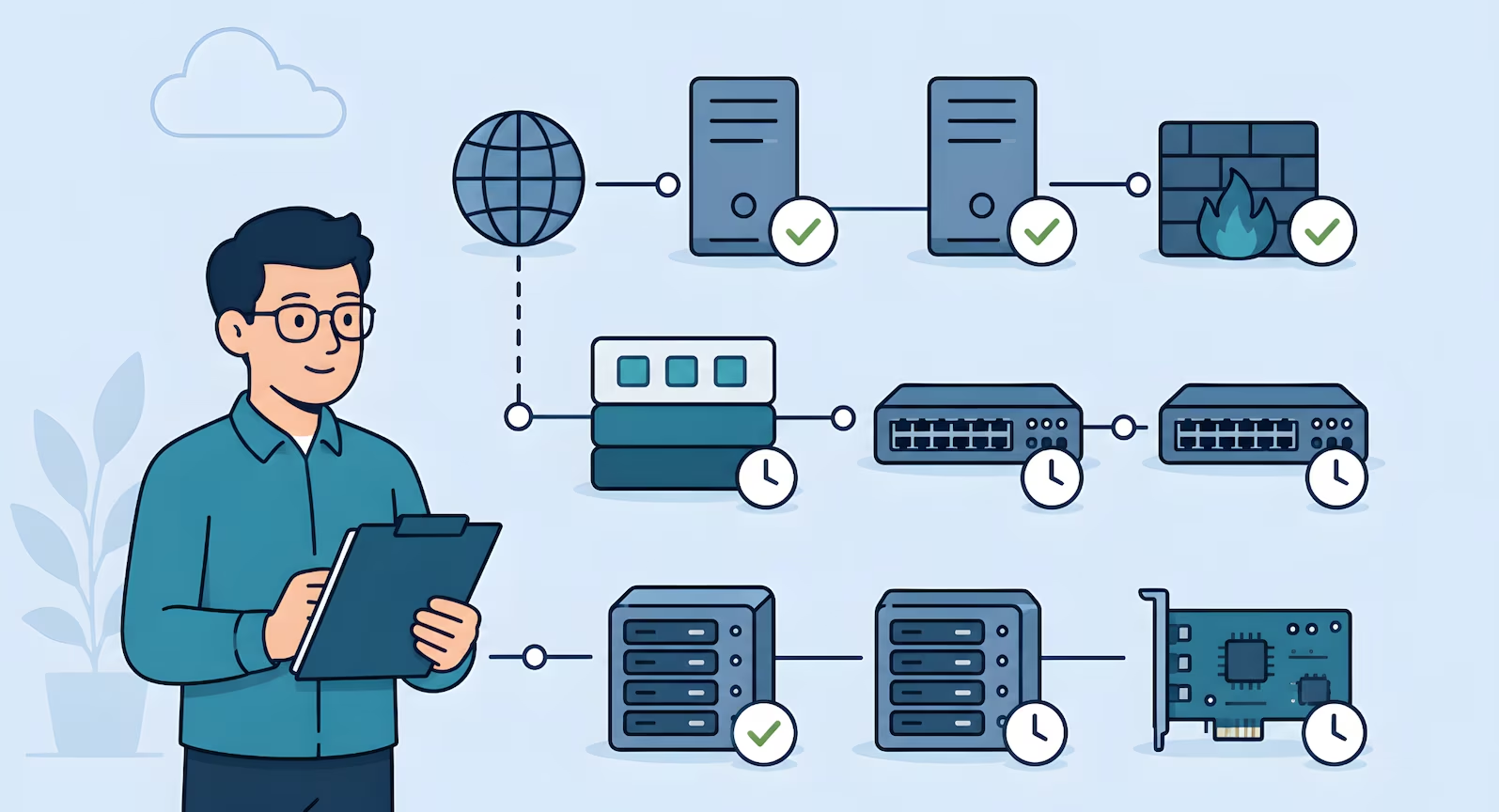
Flat 2D illustration of an IT professional managing organized on-premise infrastructure. Servers, firewalls, switches, storage systems, and management cards are arranged in tiers with patch status icons, showing a calm, repeatable security and maintenance process.

SOC 2 Patch Management for On-Prem Servers and Network Devices

TL;DR

  • Patching is a three-criteria activity in SOC 2: CC8.1 has a Point of Focus literally called Manages Patch Changes, with CC6.8 covering...
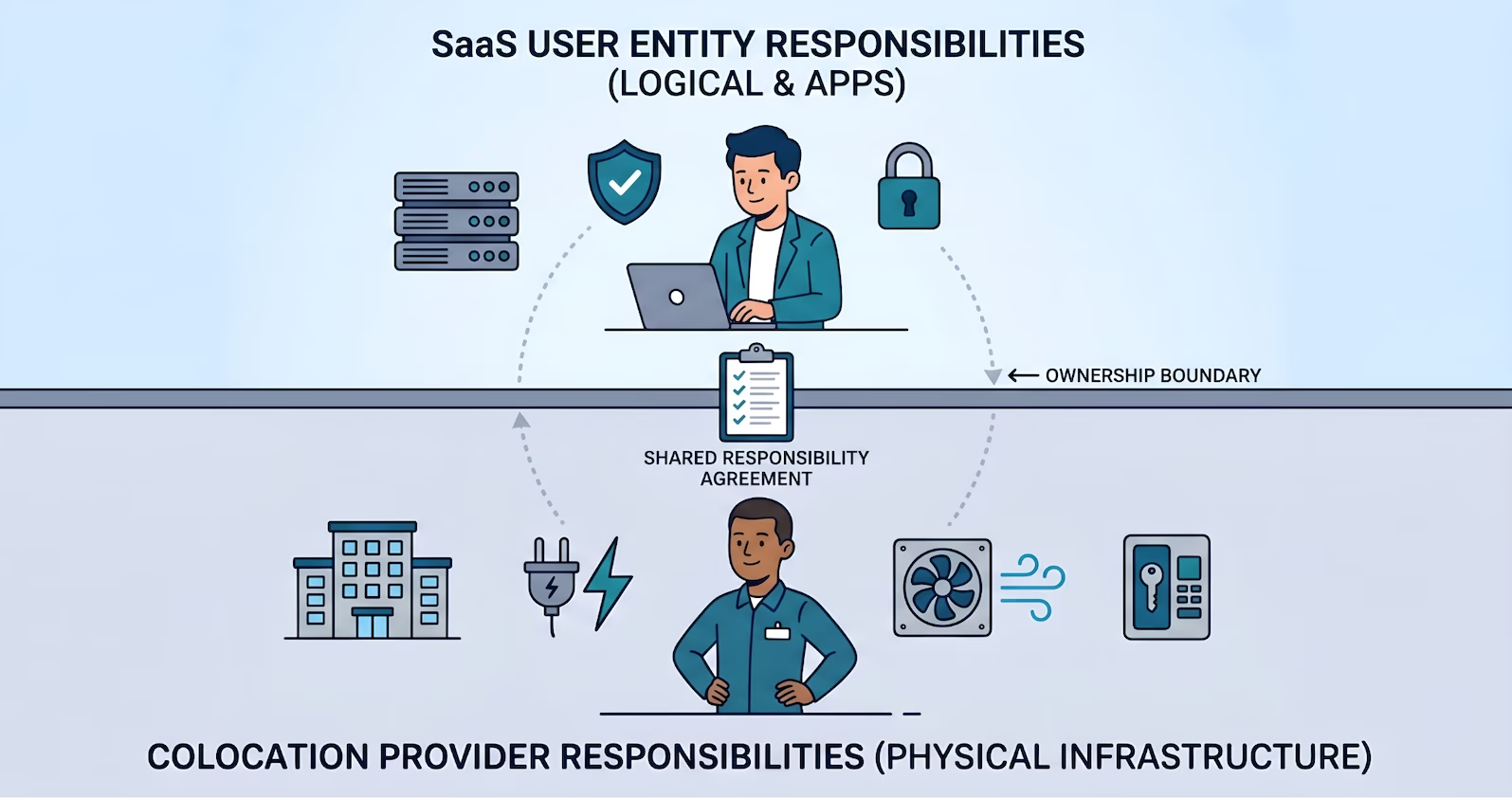
A flat 2D illustration showing a horizontal dividing line labeled "OWNERSHIP BOUNDARY". Above, a person with a laptop manages "SaaS USER ENTITY RESPONSIBILITIES," including logical and app controls. Below, a person stands by icons for a building, power, and cooling for "COLOCATION PROVIDER RESPONSIBILITIES." A document links the two.

SOC 2 Vendor Management: Data Center as Subservice

TL;DR

  • When your data center is operated by another organization (a colocation or hosting provider), that organization is a subservice organization...
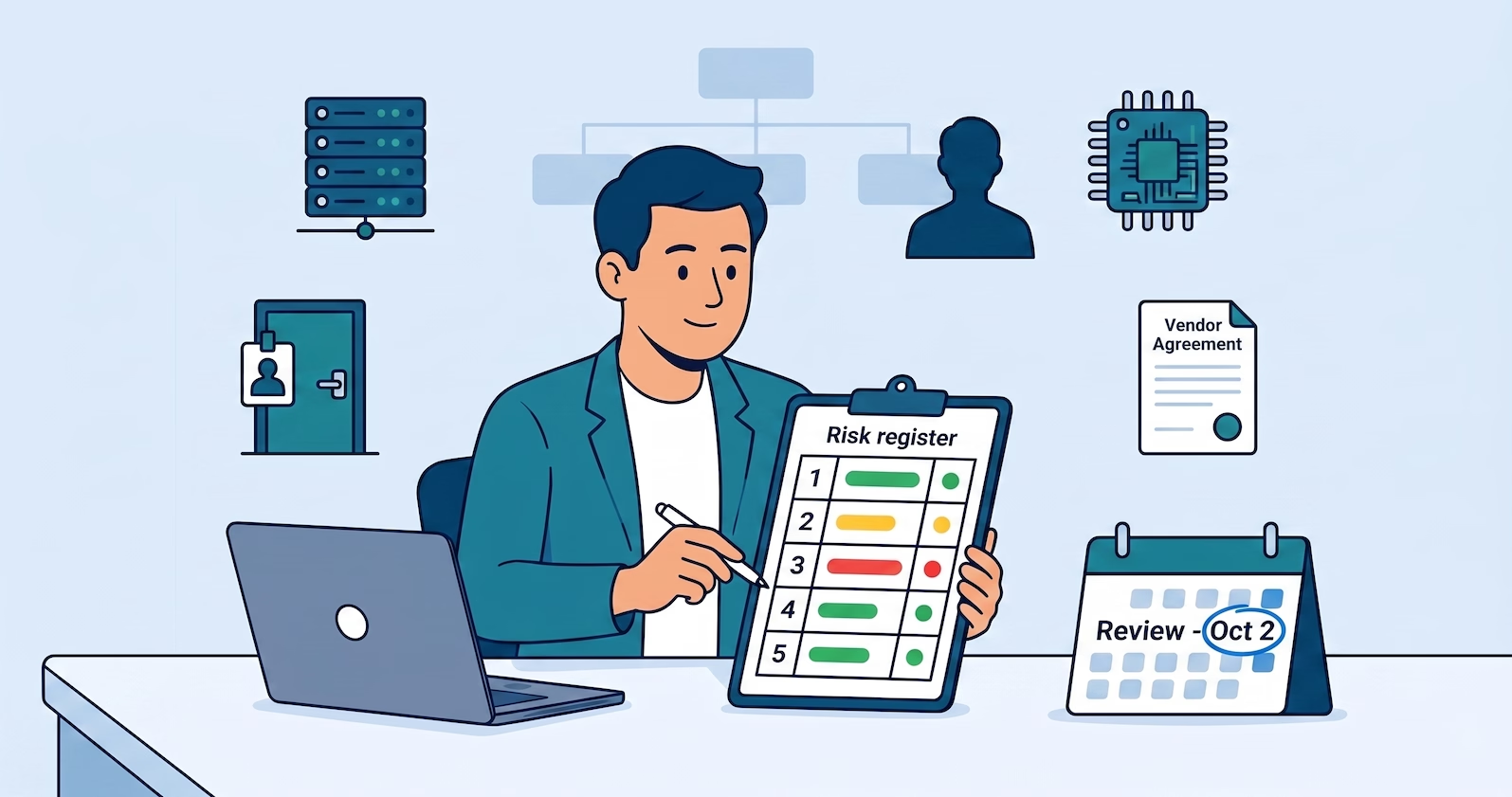
An illustration of a man reviewing a security risk register. Floating icons include a server rack, security badge door, user profile, microchip, and a vendor agreement. A calendar on his desk marks a review date, emphasizing an organized risk management process.

SOC 2 Risk Management for Hybrid and On-Prem Environments

TL;DR

  • Risk management maps to CC3.2 (risk identification and analysis), CC3.3 (fraud risk), and CC3.4 (changes that affect internal control)
  • On-prem...
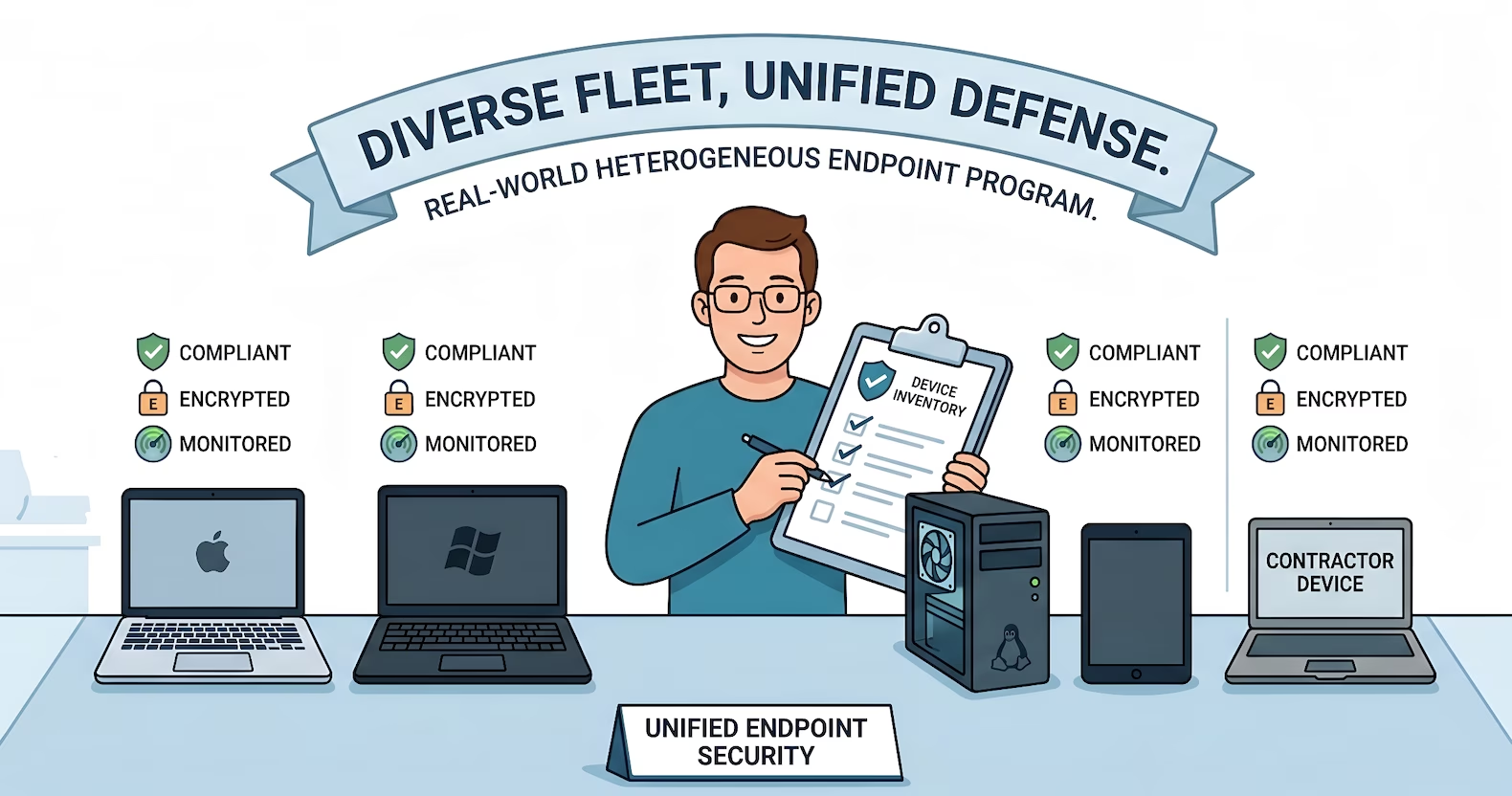
Flat 2D illustration of a smiling IT professional holding a "Device Inventory" clipboard. He manages a diverse fleet of devices—Mac, Windows, Linux, and tablets—each with icons for "Compliant," "Encrypted," and "Monitored." A banner reads "Diverse Fleet, Unified Defense."

SOC 2 Endpoint Security for On-Prem and Hybrid Workforces

TL;DR

  • Endpoint security maps to CC6.1 (logical access architecture, named asset inventory, encryption at rest, MFA where warranted) and CC6.8...
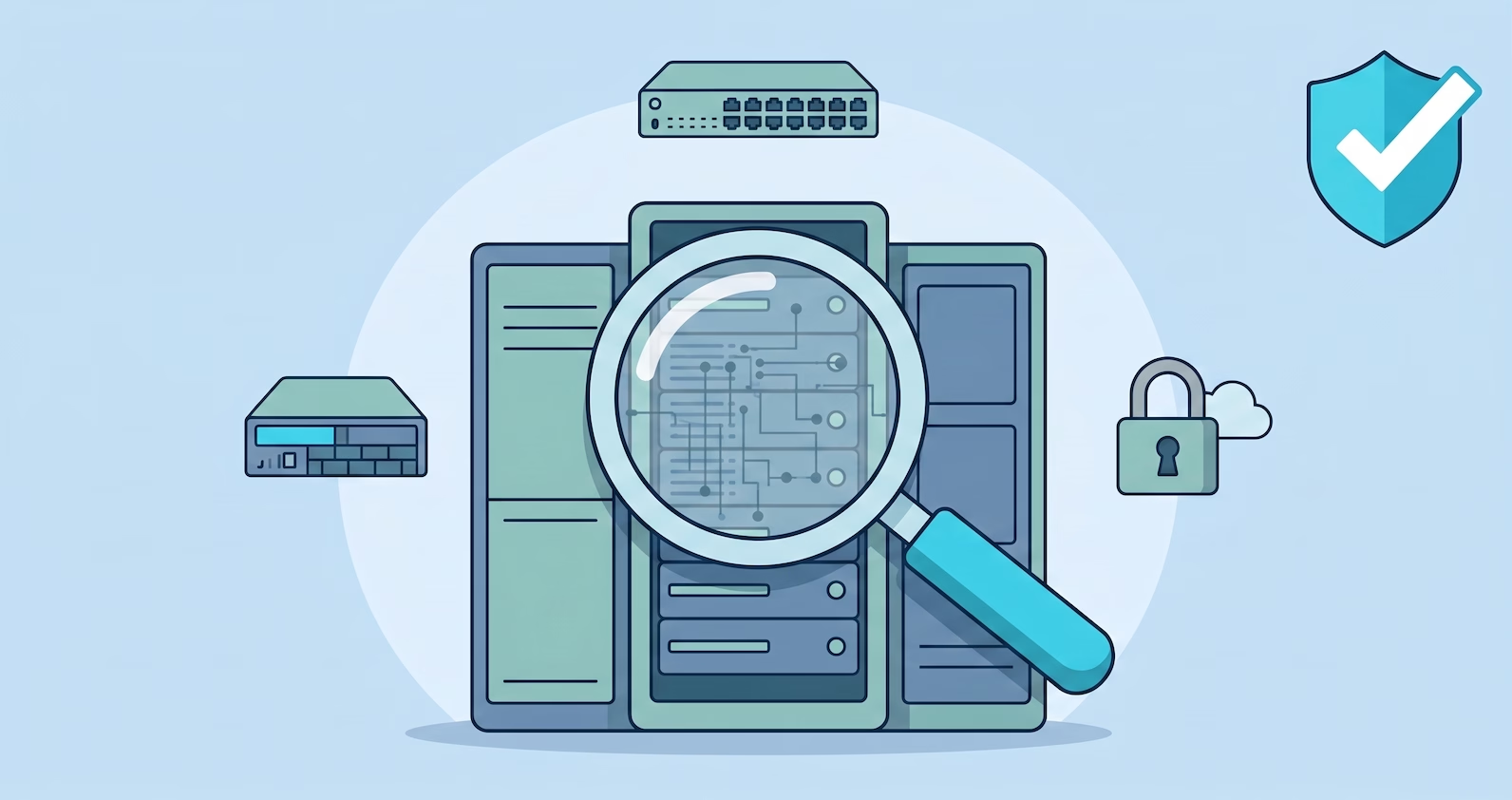
A 2D flat illustration showing an oversized magnifying glass scanning a central server rack, revealing internal network lines. In the background are icons for a firewall appliance, a network switch, a padlock with a cloud, and a cyan shield with a white checkmark, all on a blue background.

SOC 2 Penetration Testing for On-Premise Networks

TL;DR

  • Pen testing maps to CC4.1 (separate evaluations, where the AICPA names penetration testing explicitly) and CC7.1 (vulnerability detection)
  • ...
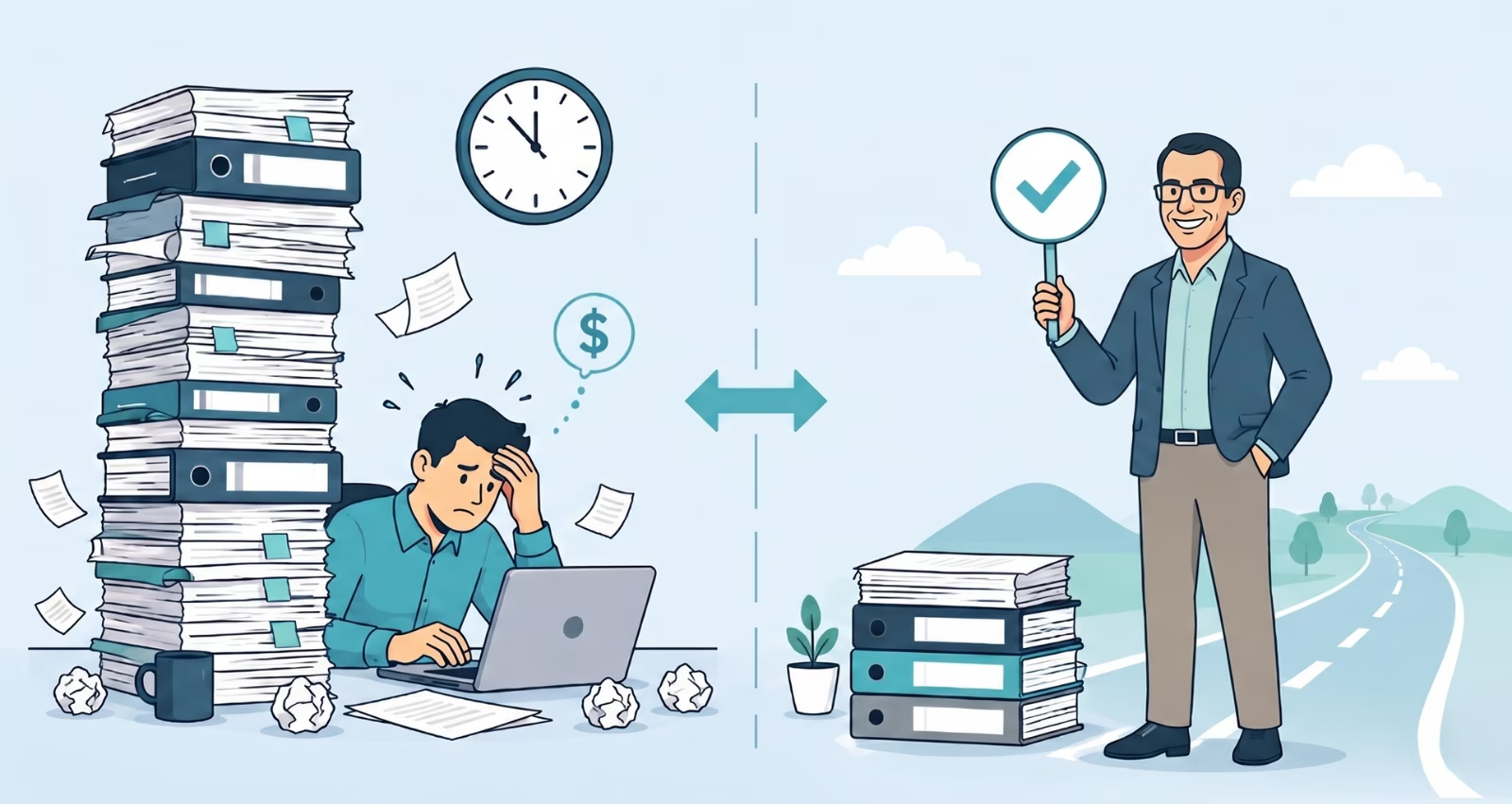
Before-and-after infographic. Left: A stressed man overwhelmed by a giant stack of binders. Right: A smiling professional holding a checkmark next to a small stack and a clear road, representing efficiency.

The Real Cost of DIY Compliance vs. Hiring a Consultant

On paper, DIY compliance looks straightforward. Subscribe to a GRC platform, follow the control library, collect evidence, engage an auditor. The...

Alt text: A man with glasses in a suit holds a checklist in front of a large, open server rack with colorful cables and LED lights. A large shield with a checkmark is behind him. Other staff and servers are visible in the background against a light blue, vector illustration backdrop.

SOC 2 Consultants for On-Prem and Hybrid Infrastructure

Most SOC 2 consultants know AWS. Some know Azure and GCP. Very few know what to do when your stack includes a colocation facility, a bare-metal...

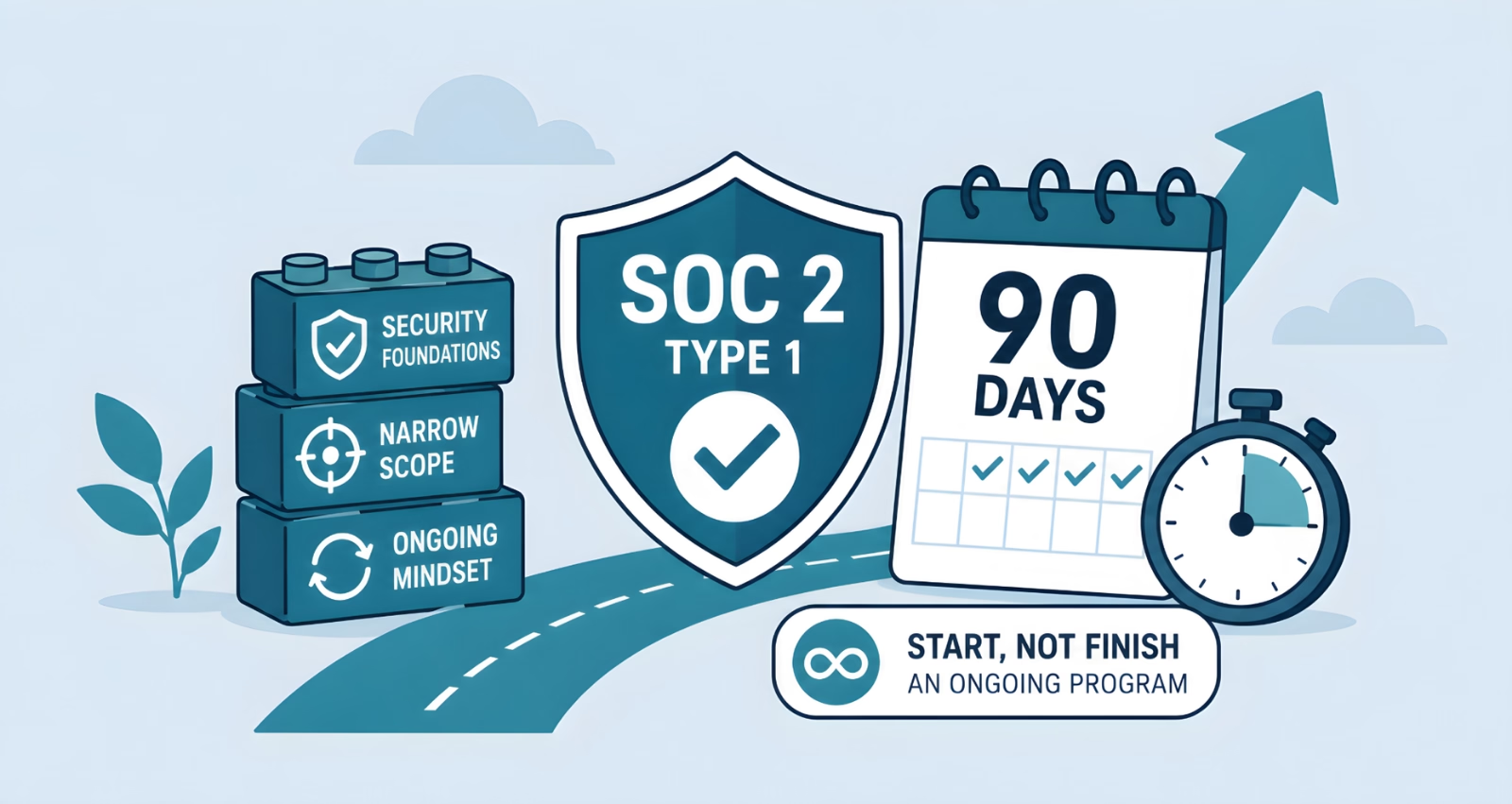
Flat vector illustration of a SOC 2 Type 1 compliance program completed in 90 days, featuring a security shield, calendar, stopwatch, growth arrow, and stacked blocks labeled security foundations, narrow scope, and ongoing mindset.

SOC 2 in 90 Days: What That Timeline Actually Requires

Ninety days from kickoff to a SOC 2 readiness is achievable. It is not achievable for every company, and the companies that hit it make deliberate...
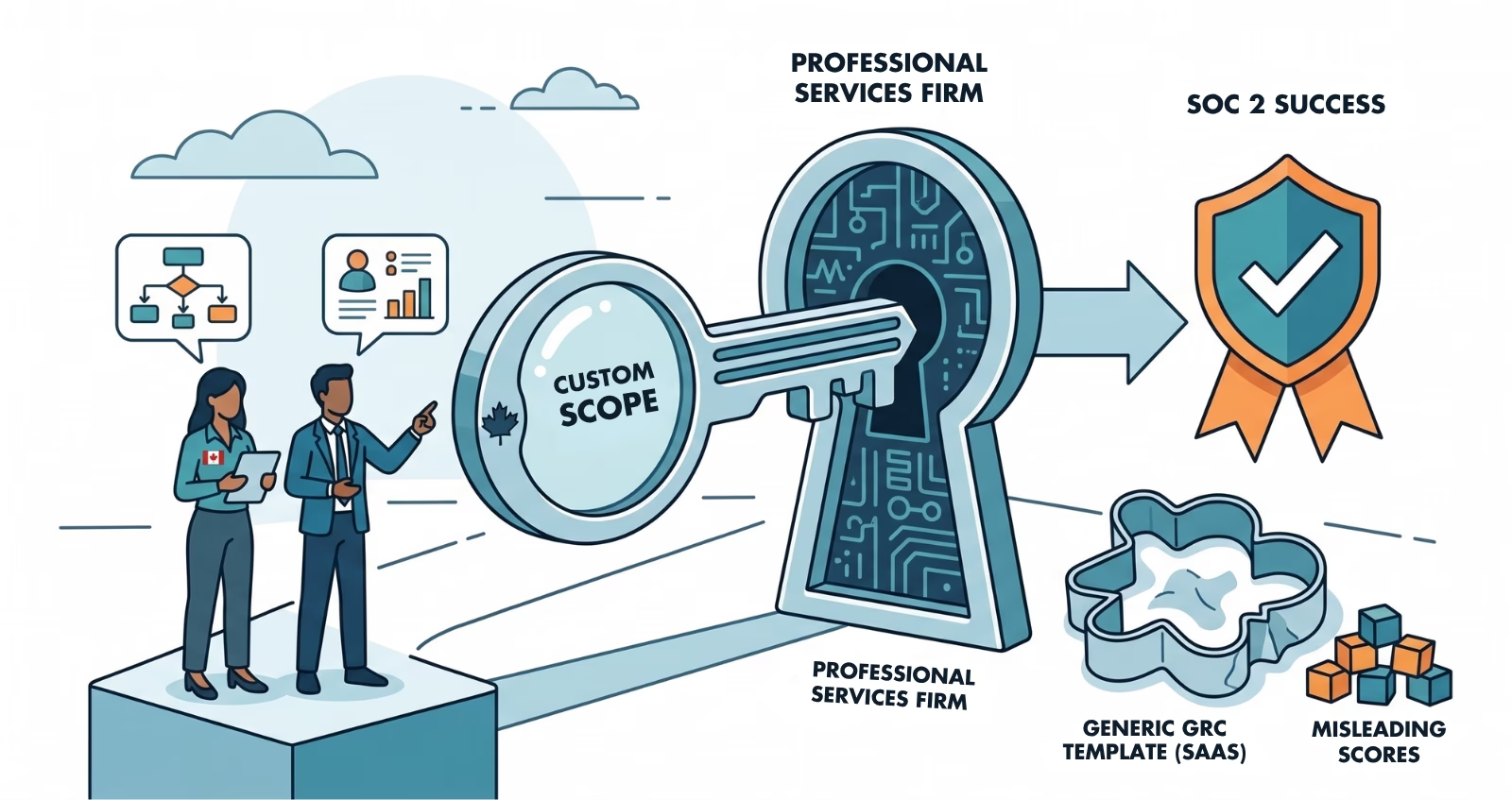
A vector illustration shows two professionals with Canadian flags on their clothing analyzing "SOC 2 SUCCESS." They stand near a large key and magnifying glass labeled "CUSTOM SCOPE" unlocking a specialized "PROFESSIONAL SERVICES FIRM" lock. A "GENERIC GRC TEMPLATE (SAAS)" is rejected nearby with "MISLEADING SCORES."

SOC 2 for Professional Services Firms: The Scoping Problem Nobody Warns You About

A professional services firm starts its SOC 2 process the same way most companies do. An enterprise client puts it in an RFP. The team subscribes to...
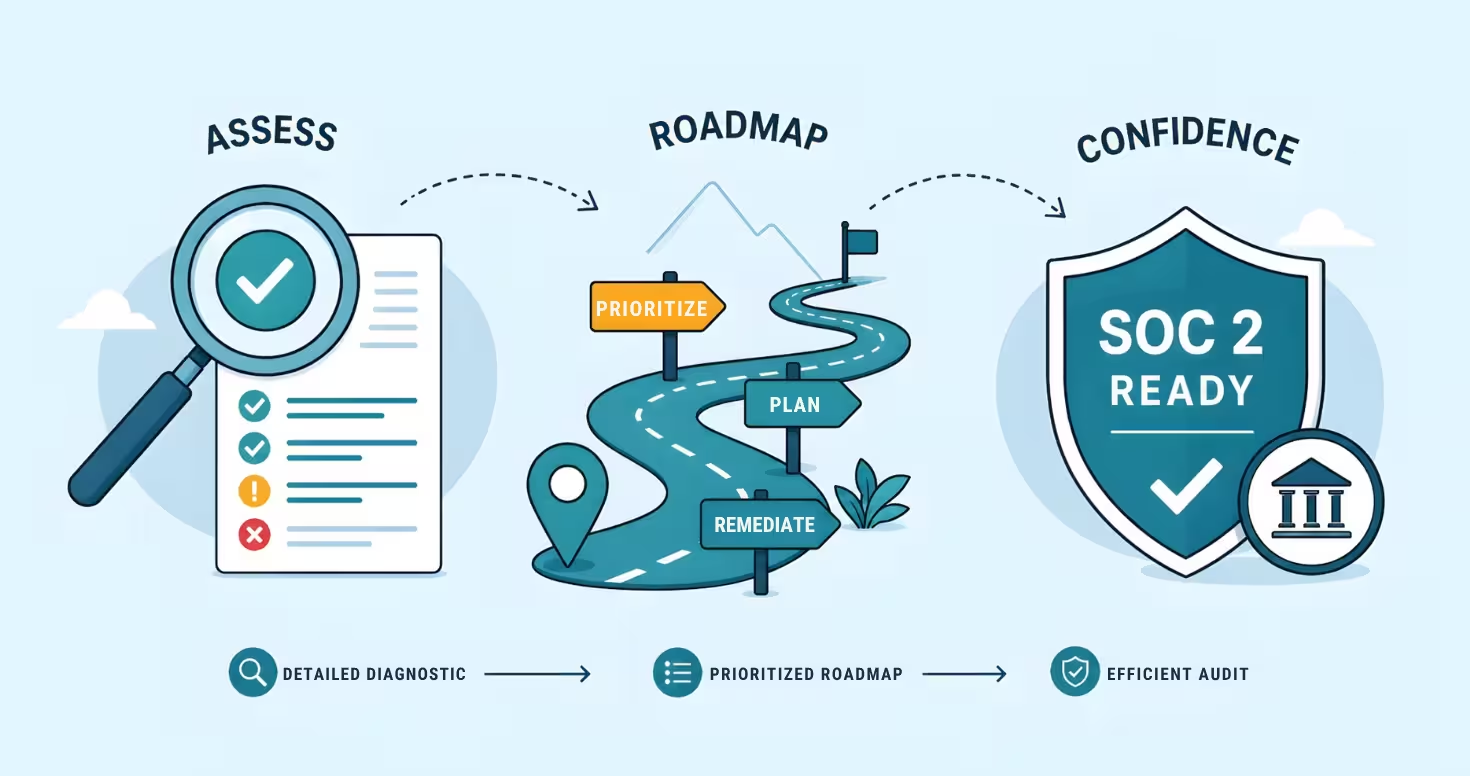
Flat illustration of SOC 2 readiness: a checklist under a magnifying glass (assess), a winding roadmap with prioritize/plan/remediate steps, and a shield labeled “SOC 2 Ready” (confidence), showing gap analysis and audit preparation.

What Does a SOC 2 Readiness Assessment Actually Include?

A SOC 2 readiness assessment is not the audit. It is the diagnostic step that tells a company exactly where it stands before committing budget and...
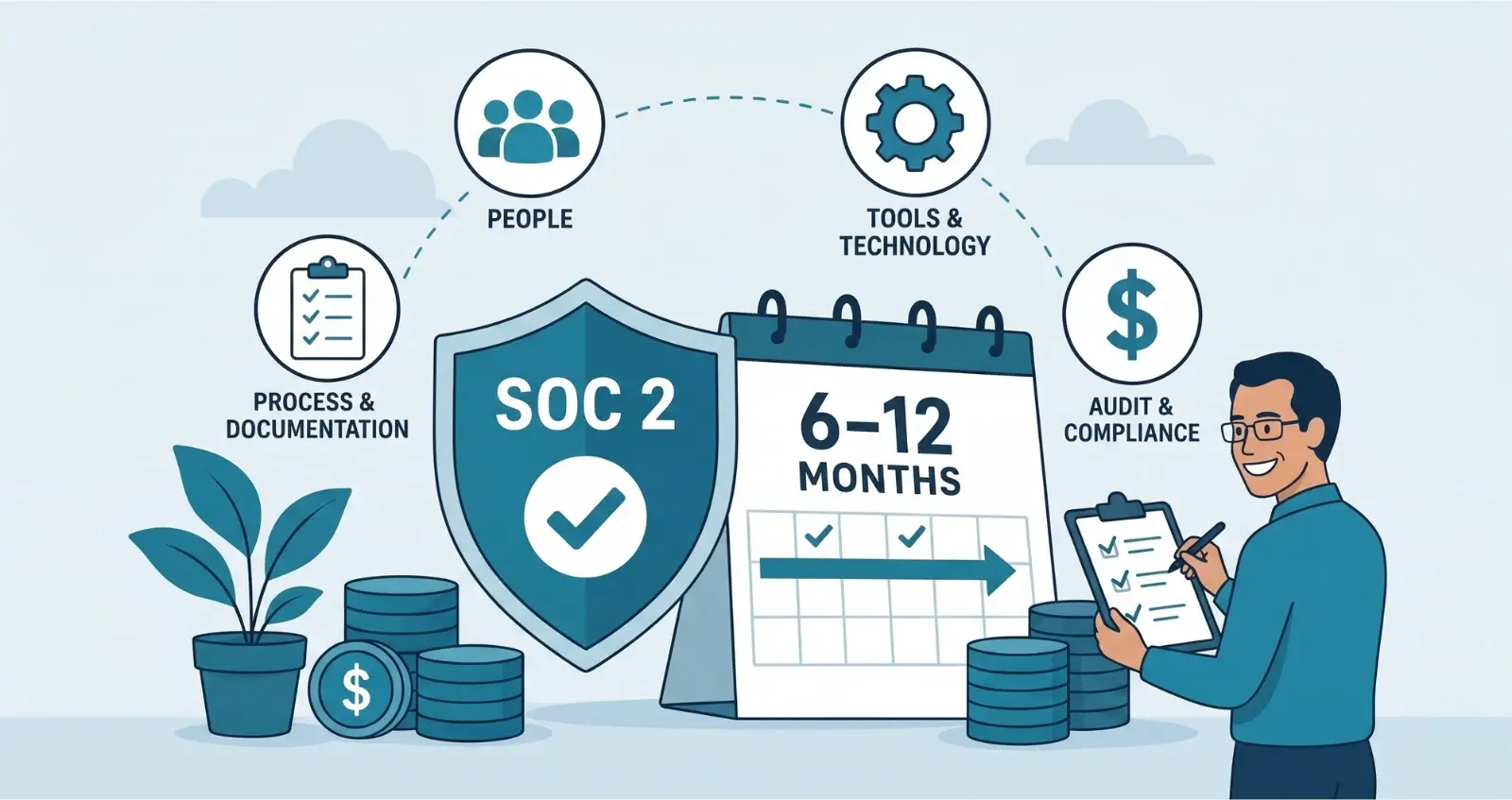
A vector infographic explaining SOC 2 compliance. It features icons for Process, People, Tools, and Audit linked to a shield. A calendar reads "6-12 MONTHS." A man with glasses holds a clipboard.

SOC 2 Implementation Cost and Timeline: What to Actually Budget

SOC 2 has four cost components. Most companies only budget for two of them, then get surprised by the rest halfway through the engagement.

Here is...